Gallery – Photo-Illustrations
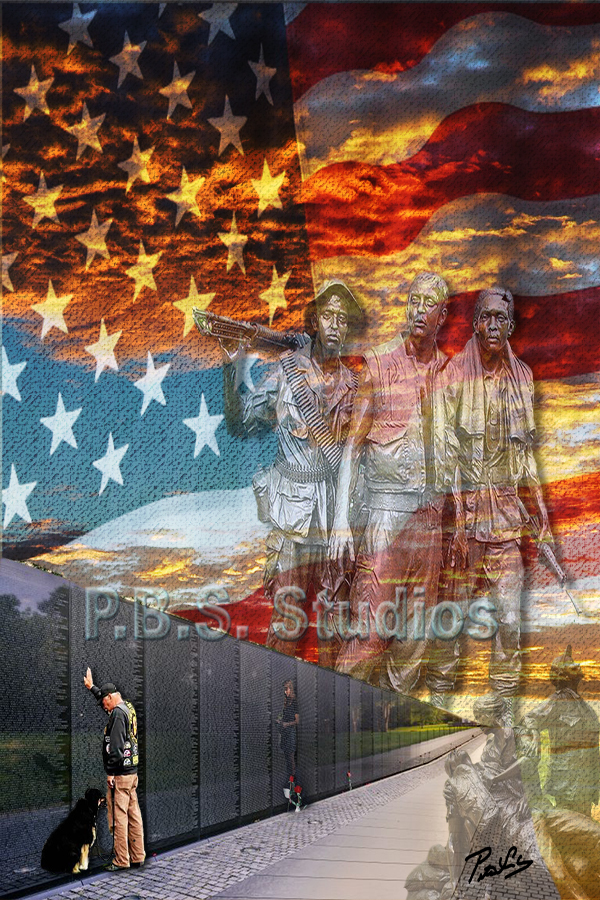
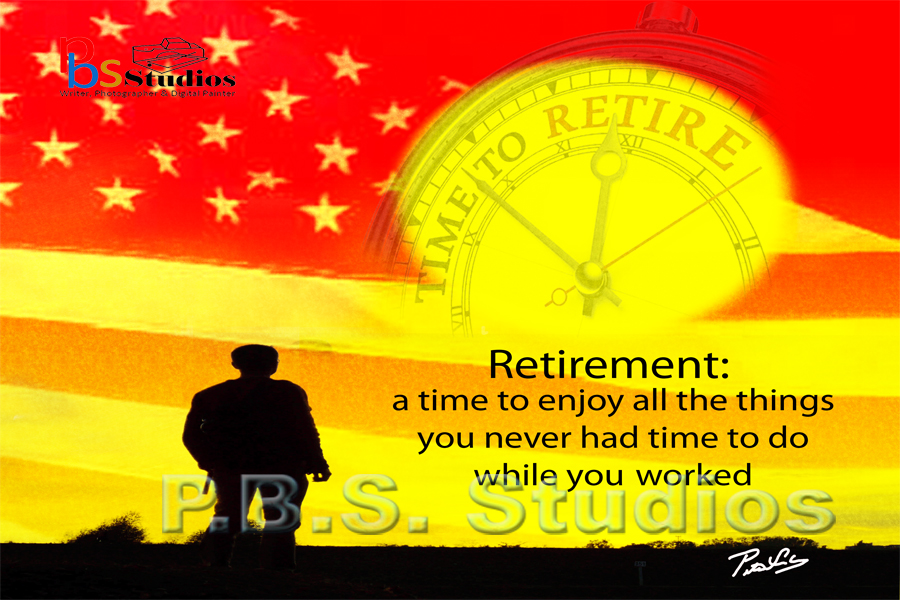
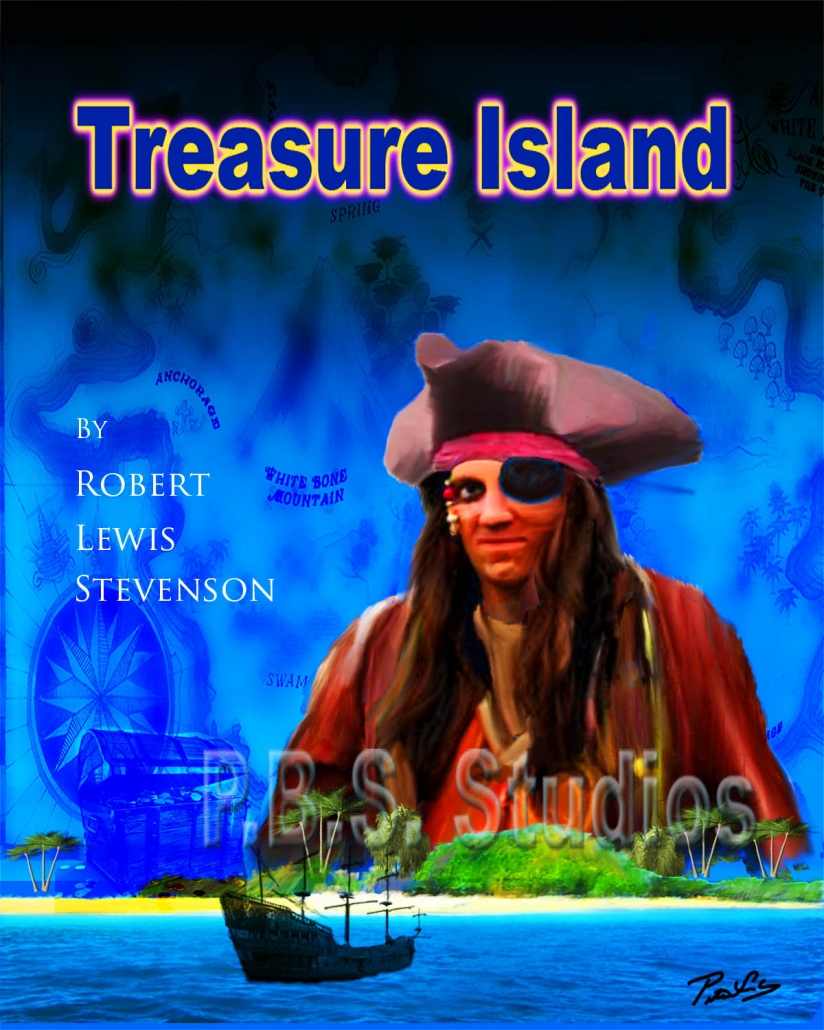
Presented on this webpage is a selection of photo-illustrations. These are part of my ongoing “Photo-Illustrations,” series. These photo-illustrations based on photographs using Adobe Photoshop to create photo-composite, montages, exploring different ways to manipulate digital images. Over the years, I have employed these photography techniques to create these digital illustrations.
After starting as a photographer back in the film days, I used to manipulate 35 mm color slides in the style of Pete Turner and Jay Maisel, creating composites images. Once I converted digital and learned Adobe Photoshop, I have created many photo-composite, and montages images utilizing layers and digital tools.
Technical Information
I used a Nikon camera and lenses to create all the photographs displayed on the general-interest photography webpage. Before digital, I took original 35mm slides, which I converted to digital and edited in Adobe Lightroom and Photoshop. During the editing process, I would combine multiple images to create the photo illustration.
As the famous painting Bob Ross would say, “this is your world, you can do anything you want!” In Adobe Photoshop, you can be creative by putting different images together to create a whole new composite image that evokes a feeling. These composites are used in book covers, movie posters, and advertising illustrations.
All the photographs displayed on this webpage are the copyright of P.B.S. Studios. They are available for sale for personal use or publication. Some people’s photography are linked to my Etsy Store or purchased directly from P.B.S. Studios. For additional information, Contact P.B.S. Studios.
The Gallery